
Quick slide-out canvas
A subtle floating handle keeps SlideInk ready whenever you need it.
 SlideInk
ANDROID APP
Write, draw, type, and capture what matters without leaving the screen you're using.
Slide out SlideInk from the side of your phone, write or draw over any app and type notes with the keyboard. With SlideInk PRO, turn typed notes into reminders.
Free on Google Play · Reminders with SlideInk PRO
Your notes and reminders – one slide away
DESIGNED FOR SPEED
Numbers, addresses, shopping lists, ideas, measurements, call notes and things you need to remember — capture them immediately while keeping the current screen visible.
A subtle floating handle keeps SlideInk ready whenever you need it.
Write naturally with pen tools, eraser, undo and redo.
Keep the app underneath visible while you write over it.
Keep useful notes as snapshots and come back to them later.
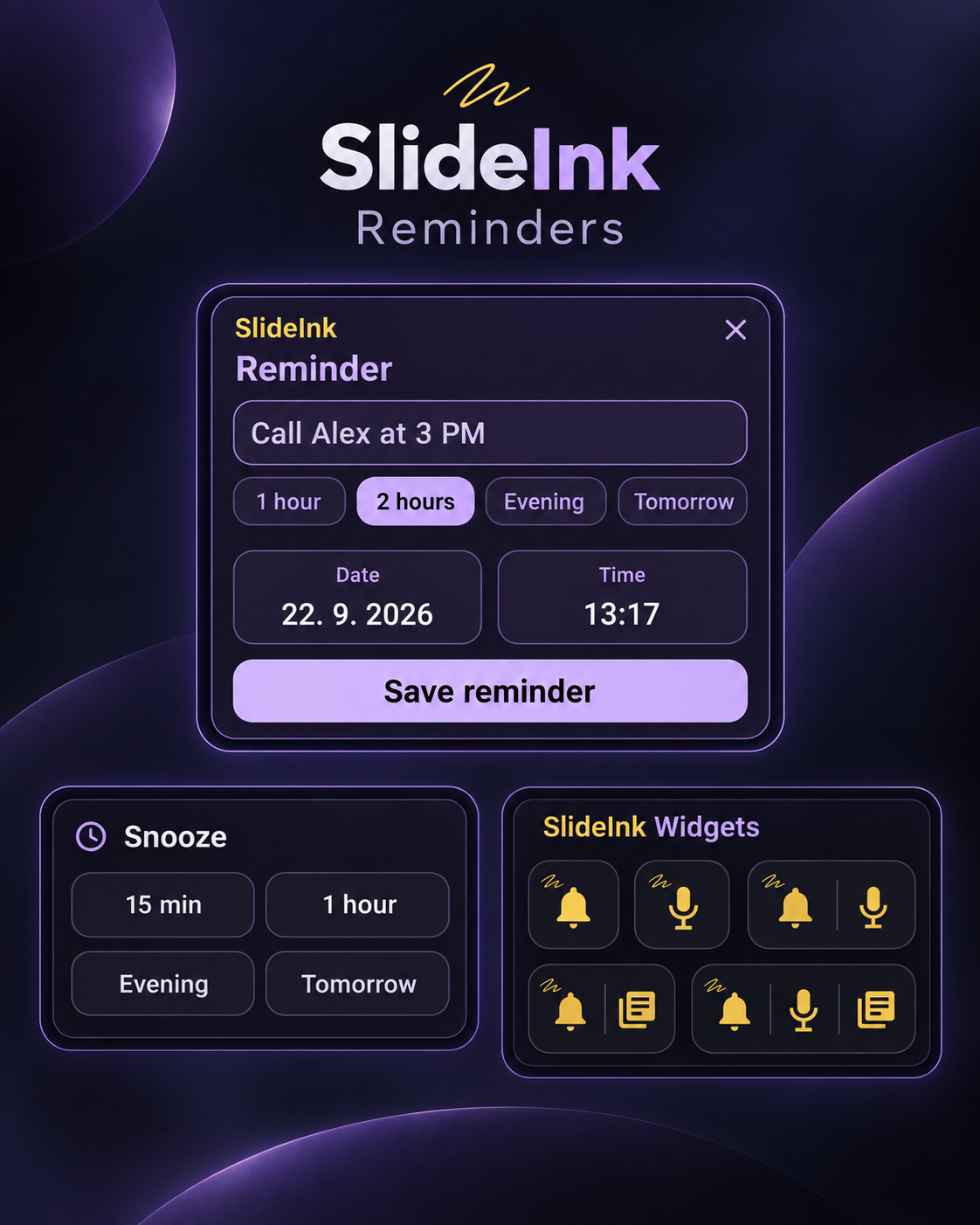
With SlideInk PRO, type a note, tap the bell, choose when to be reminded, then Snooze or mark it Done when it appears.
Pick its side, size and color, and choose how it opens: tap, drag or both.
Pull out SlideInk while you browse, read or chat and jot down what you need — the app underneath stays visible.

Use your finger or a stylus, or type with the keyboard and style the text — color, size, font, bold and italic.
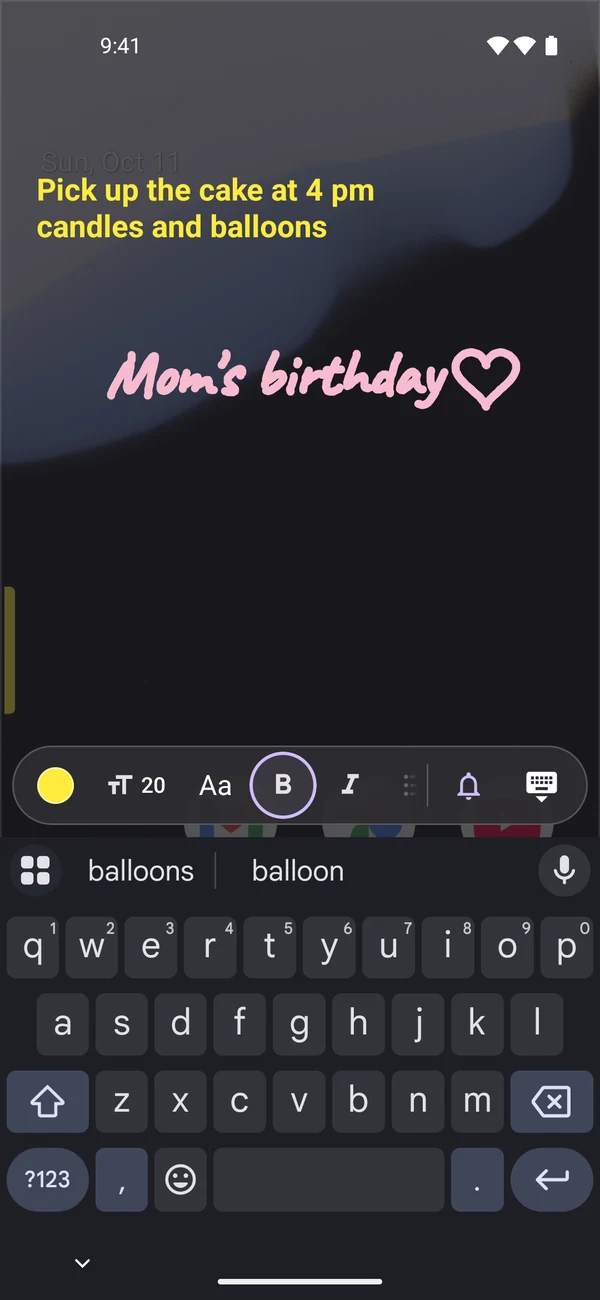
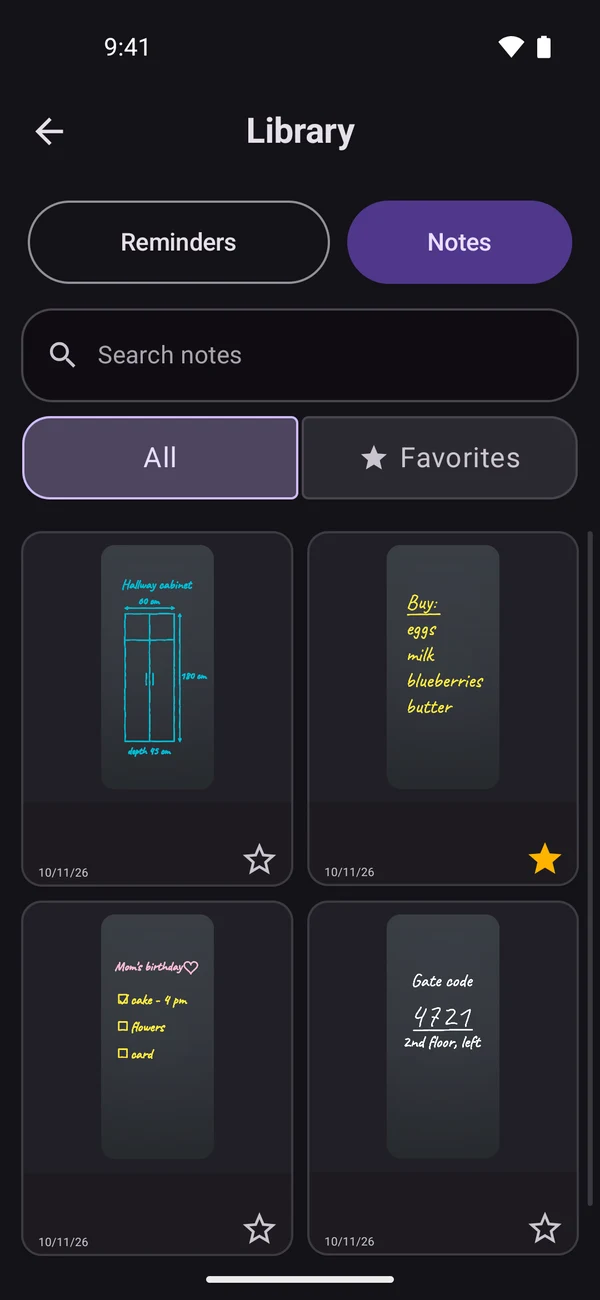
Save notes to the Library, mark favorites and search them whenever you need.
SLIDEINK PRO
Create reminders by typing or speaking, snooze them in one tap, and repeat the ones you need every day, week, month or year.
SLIDEINK PRO
Add a SlideInk widget and start a reminder with one tap — type it or say it. Widgets work with SlideInk PRO.

Opens a new reminder in one tap. Type what to remember and pick a time.

Tap and say what to remember. Your words become the reminder text — just pick a time.

Choose how to create a reminder: by typing or by voice.
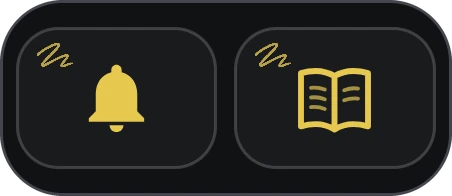
A new typed reminder, or straight to your Library with notes and reminders.

Typed reminder, voice reminder and the Library — all in one widget.
Touch and hold an empty spot on your home screen, tap Widgets and find SlideInk.
PRIVACY FIRST
SlideInk does not require an account and does not upload your notes to our servers. Backups go only where you choose.